
Account security
Open Account settings → Security.
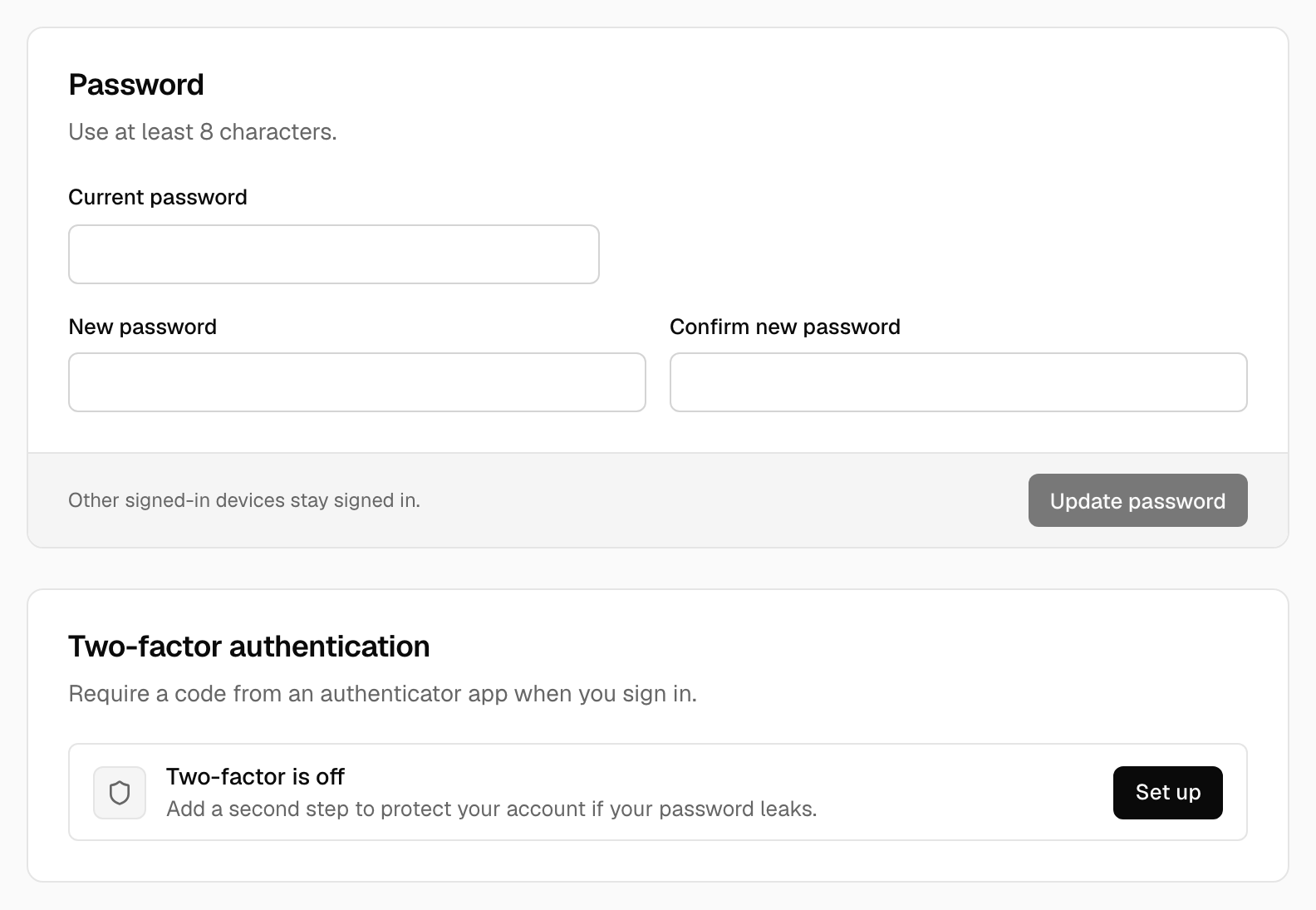
Password#
At least 8 characters. Changing it asks for your current password.
Two-factor sign-in#
Add a second step to sign-in with an authenticator app (scan a QR code), email codes or passkeys. Turn on as many methods as you like; the first one also gives you ten recovery codes for the day you lose a phone or key. Removing a method asks for your password. See Two-factor sign-in for each method and for recovery codes.
Keep a way back in. If you lose every method and your recovery codes, and there is no other administrator, you'll need database access to recover.