
The tracking snippet
Add this to the <head> of every page you want to measure:
<script defer data-domain="example.com" src="https://stats.example.com/js/script.js"></script>
```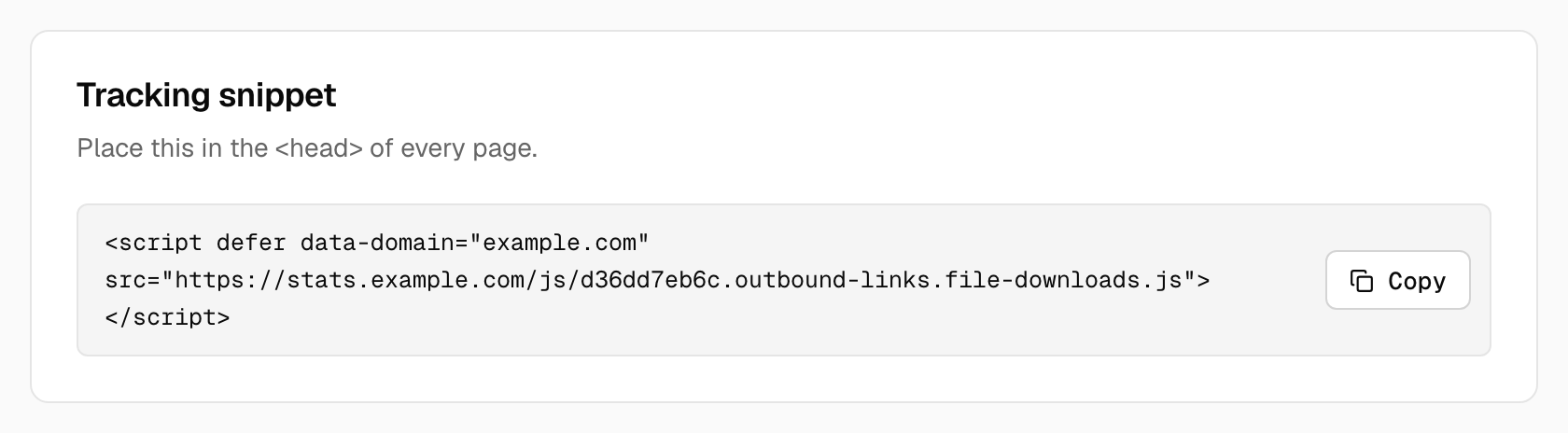
- `data-domain` is the site as you added it in Tidemark. A leading `www.` is ignored. You can list several domains separated by commas; Tidemark records the event for the first one it knows.
- `src` is your Tidemark installation followed by `/js/script.js`.
The script is small, sets no cookies and writes nothing to local storage. Pageviews are sent on load and on every history change.
## What gets sent
Each event carries the event name, the page URL, your site's domain, the referrer and the window width. Tidemark derives the browser, operating system, device type and location on the server and never stores the IP address or the raw user agent.
## Things the script ignores
- `localhost` and `file:` pages, unless you use the [`local` variant](/kb/tidemark-analytics/using-tidemark/tracking/script-variants)
- Automated browsers such as headless test runners
- Browsers where you have set `localStorage.plausible_ignore = 'true'`. This is the easiest way to exclude yourself on one device: run it once in the browser console.
Known bots are dropped on the server as well.